Installation Steps
1
Download the Extension
Obtain the extension file from the official GitHub releases page.
Download Extension2
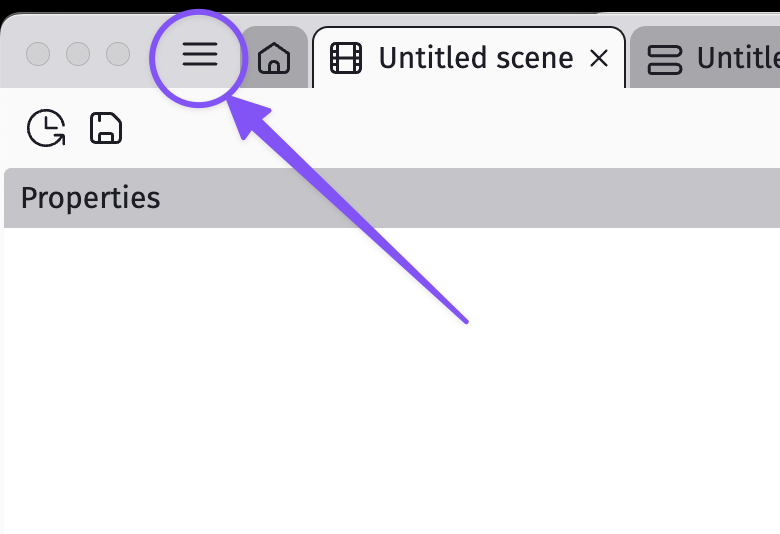
Open Extensions Manager
Access the Extensions section through Project Manager in GDevelop.
3
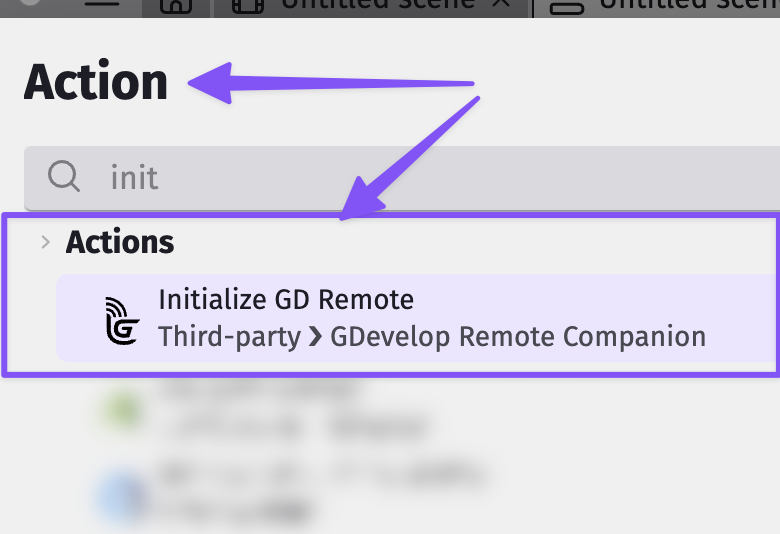
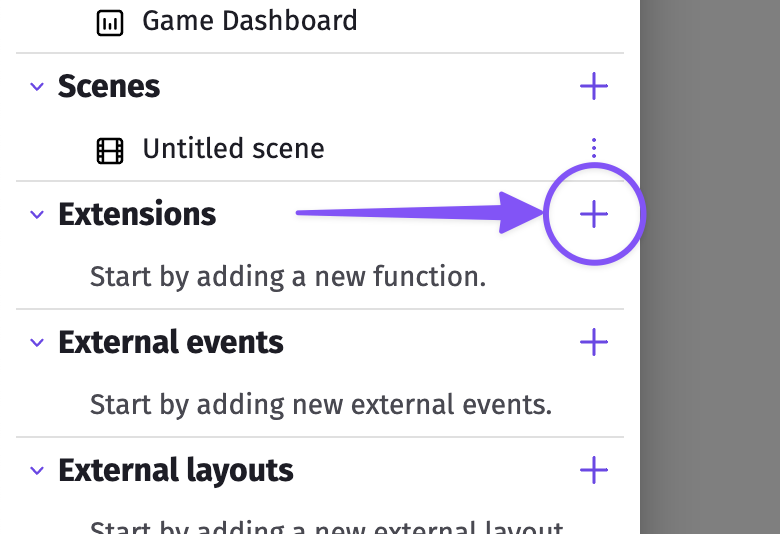
Click Import Extension
Use the "+" button within the Extensions interface.
4
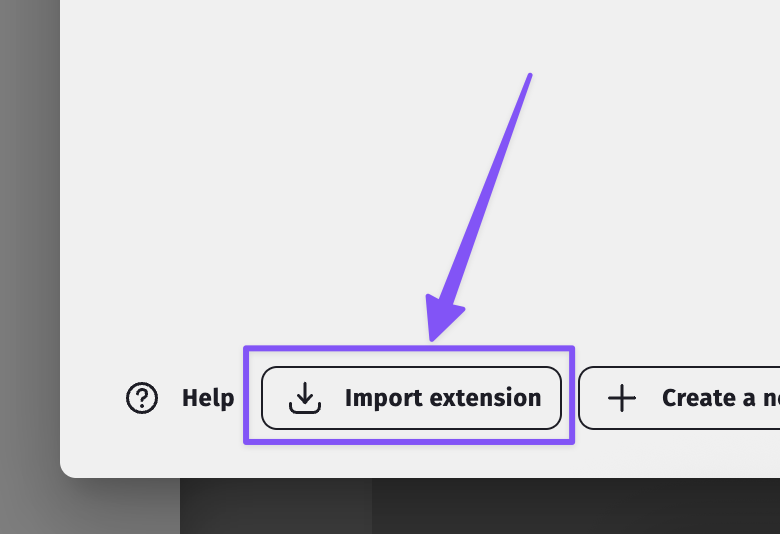
Select Extension File
Select "Import Extension" option located at the bottom left of the search dialog.
5
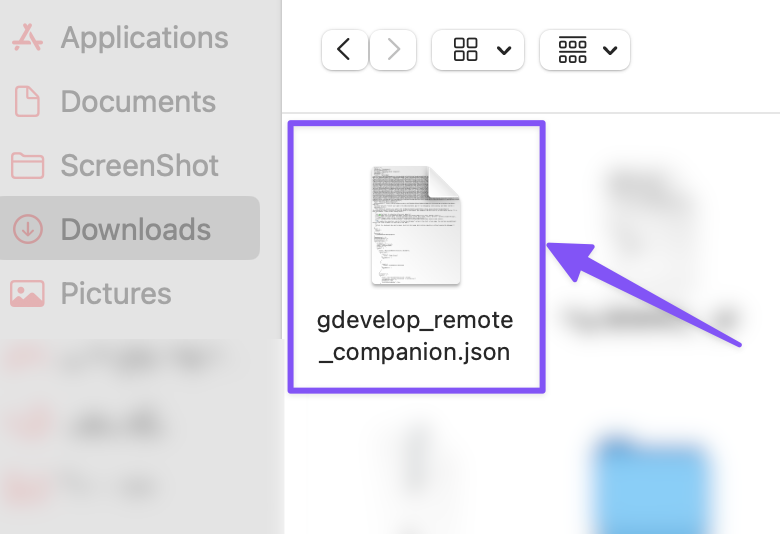
Select Extension File
Navigate to and select the downloaded gdevelop_remote_companion.json file from your computer.
6
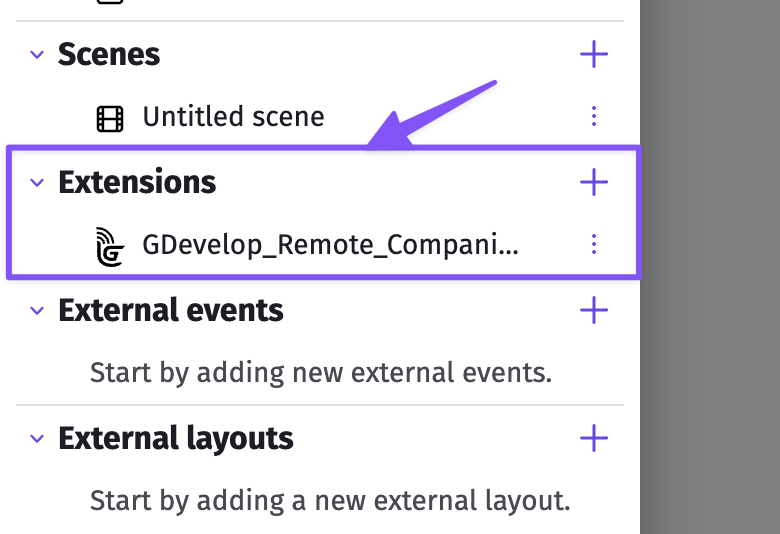
Extension Installed
The extension now appears in your available extensions list and is ready to use in your project.